Dark Web Scan
Check if your email address or company domain has been exposed in data breaches, combo lists, or infostealer logs. Our dark web scan tool searches billions of leaked credentials instantly.
No Data Breach Detected
But You’re Not Exactly in the Clear
Data breaches aren’t slowing down. Verizon analyzed over 12,000 breaches in 2025. Nearly half involved ransomware. The average cost of a breach for a U.S. based company hit $10.22 million (IBM). Don’t let your organization become another statistic. Monitor for exposed credentials before attackers exploit them.
Prevent Future Data Breaches With Breachsense
- Continuously monitor the open, deep, and dark web for mentions of your company, personal staff information, and other important data.
- Detect data breaches in real-time and prevent cyberattacks before they happen.
- Uncover mentions of your VIPs or executive staff on private ransomware forums and mitigate threats early.
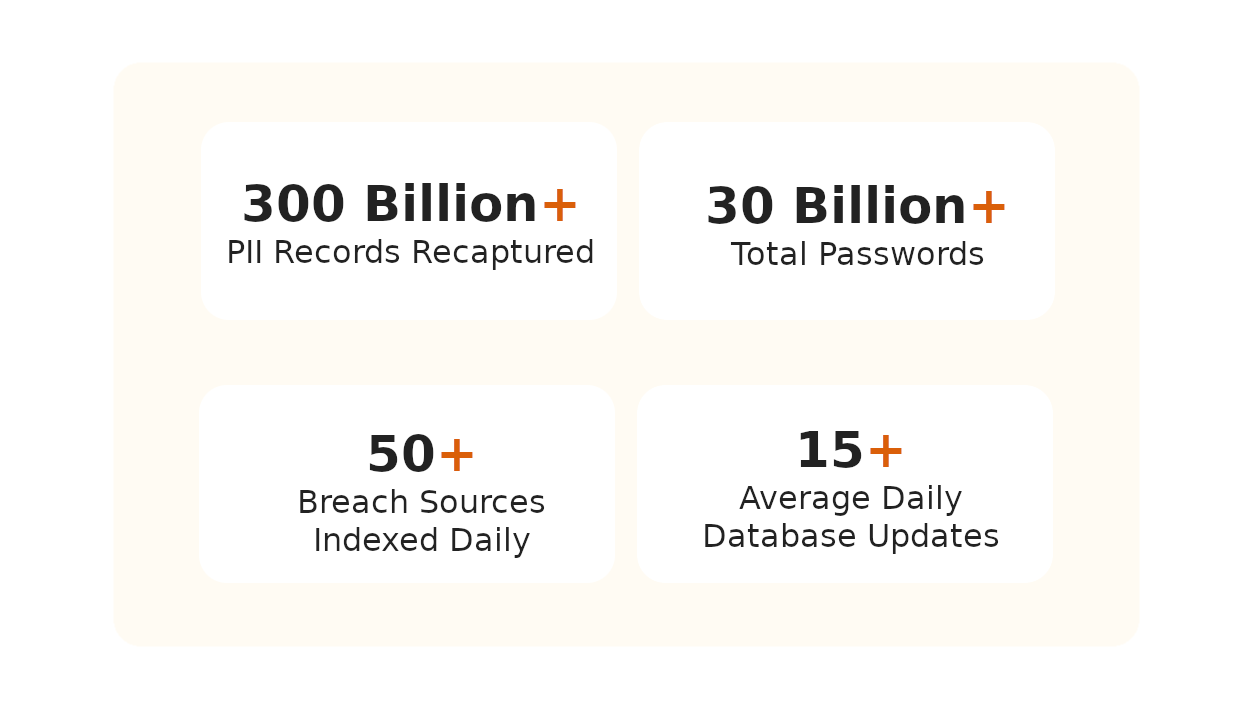
Data Breach Detected
It’s Time to Act
Book a demo with Breachsense to uncover the compromised credentials or leaked company data and mitigate potential cyberattacks.
Secure Your Breached Accounts
- Reset Account Credentials for all compromised accounts.
- Enable 2-Factor Authentication to prevent attackers from using leaked passwords.
- Use Unique & Strong Passwords. Make this a company-wide practice.
- Train Your Staff on Security Best Practices. Actively train your employees on why cybersecurity is important and how they can prevent breaches.
- Always Use a Password Manager. Make this a company standard.
- Continuously Monitor for Data Breaches. Even if you do everything right, there’s still a risk of human error. Breachsense allows you to uncover data breaches in real time.
Detect Leaked Credentials
Scan criminal marketplaces and stealer logs for your organization’s exposed passwords. Discover compromised credentials before attackers use them to breach your network.
Full Dark Web Coverage
Monitor criminal marketplaces, ransomware leak sites, infostealer channels, code repositories, and third-party breaches. Detect threats from sources other platforms miss.
Results with Actionable Intelligence
Get immediate results showing exactly which employee credentials are exposed and where they were found. Know what to fix and prioritize based on threat severity.
What is the dark web?
The dark web is a hidden part of the internet that can’t be accessed through standard search engines or browsers.
It requires specialized software like Tor to access, allowing users to browse anonymously.
It’s primarily known for illegal activities including the sale of stolen data and hacking services.
Because of its anonymous nature, the dark web attracts cybercrime - making it critical to monitor for potential threats.
It requires specialized software like Tor to access, allowing users to browse anonymously.
It’s primarily known for illegal activities including the sale of stolen data and hacking services.
Because of its anonymous nature, the dark web attracts cybercrime - making it critical to monitor for potential threats.
Why get a dark web scan?
A dark web scan tool checks if your organization’s login credentials or sensitive data has been exposed or sold in hacker forums and marketplaces.
Early detection lets you take immediate action to secure your accounts and prevent identity theft or fraud.
Running regular dark web scans helps you catch exposed credentials and fix them before attackers exploit them.
Early detection lets you take immediate action to secure your accounts and prevent identity theft or fraud.
Running regular dark web scans helps you catch exposed credentials and fix them before attackers exploit them.
What causes data breaches?
- Stolen or leaked credentials
- Misconfigured security settings and exposed databases
- Third-party vendors with access to your data who experience a breach
- Unpatched software vulnerabilities in applications and systems
- Social engineering and phishing attacks
- Insider threats from disgruntled or careless employees
- Malware infections including infostealers and ransomware
- Lost or stolen devices containing sensitive data
- Publicly exposed code repositories with embedded credentials
- Improper disposal of devices and storage media containing confidential information
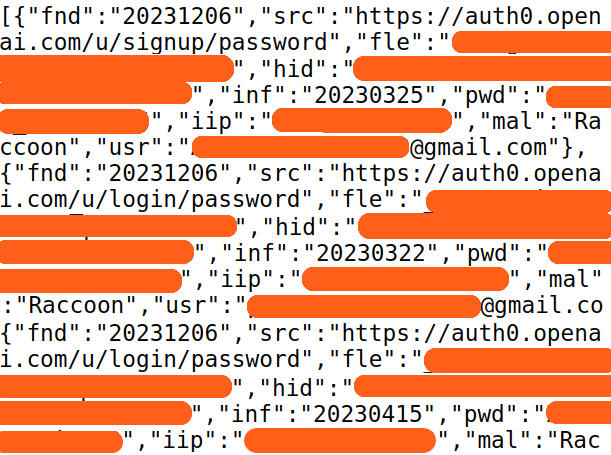
Protect Your Organization from Dark Web Threats
Learn how continuous monitoring prevents credential-based attacks
Dark Web Monitoring
Our most complete monitoring solution. Track criminal marketplaces and hacker forums 24/7 for your organization’s exposed data. Get alerted the moment new credentials appear.
Learn MoreCompromised Credential Monitoring
Detect leaked employee and customer passwords across combo lists, stealer logs, and third-party breaches. Reset compromised accounts before attackers can exploit them.
Learn MoreHow to Find Data Breaches
Learn the methods security teams use to discover data breaches early. Understand where credentials are leaked and how to monitor for your organization’s exposure.
Learn MoreData Breach Detection
Comprehensive guide to detecting data breaches before they’re exploited. Learn the indicators of compromise and early warning signs that your data has been stolen.
Learn MoreDark Web Combo Lists
Understand what combo lists are and how attackers use them in credential stuffing attacks. Learn why monitoring for your credentials in combo lists is critical for prevention.
Learn MoreDark Web Search Engines
Our #1 most-read guide with 14,800+ monthly views. Discover how dark web search engines work and how security teams use them to find leaked organizational data.
Learn MoreFrequently Asked Questions
Yes, you can check if you’ve been hacked by using a dark web scanner to search for your organization’s exposed data. Our scanner searches combo lists and stealer logs for your domain’s leaked credentials. If the scan detects compromised data, reset affected passwords immediately, enable multi-factor authentication as recommended by CISA, and consider continuous dark web monitoring to catch future breaches in real-time.
Yes, you can find out if your information is on the dark web using our dark web scanner. Enter your email address or domain name to search criminal marketplaces and hacker forums for your exposed credentials. This one-time scan shows current exposure, but continuous monitoring is recommended since new breaches happen daily. Compromised credential monitoring tracks ongoing threats to your organization.
A dark web scan is a search of hidden parts of the internet for your organization’s stolen credentials or sensitive data. A dark web scan tool automates this process, checking hacker forums and criminal marketplaces where stolen credentials are commonly sold or shared.
A data leak checker scans stealer logs and criminal marketplaces to find your exposed credentials. It tells you if your email or company data has been leaked. Our data leak checker searches billions of records from third-party breaches and infostealer malware logs. When your data appears, you can reset passwords before attackers exploit them.
A dark web scan tool crawls hidden parts of the internet for your organization’s exposed email addresses and passwords. When it finds relevant data, you get an alert with details so you can take action - like resetting passwords or locking down accounts. The best scan tools run continuously, keeping you informed about new threats as they appear.
If your data is found on the dark web, take immediate action. First, reset passwords for all affected accounts and enable multi-factor authentication. Next, inform employees whose credentials were exposed and require password changes. Consider implementing data breach monitoring to detect future exposures before attackers can exploit them. For help evaluating continuous monitoring solutions, see our comparison of the best dark web monitoring services. Document the incident for compliance requirements and review how the breach occurred to prevent similar incidents. The NIST Cybersecurity Framework provides detailed guidance on incident response procedures.
You should scan for dark web exposure continuously, not just once. New stealer logs and combo lists appear daily on criminal marketplaces. A one-time scan shows your current exposure, but doesn’t protect against tomorrow’s breach. Continuous monitoring with real-time alerts lets you respond to new threats immediately. This is why security teams use automated dark web monitoring platforms instead of periodic manual scans.