Have I Been Pwned Alternatives (2026)
Quick Summary
The best Have I Been Pwned alternatives for business are Breachsense, SpyCloud, Flare, Enzoic and DeHashed.
| Tool | Best for | Rating |
|---|---|---|
| Breachsense | Leaked credentials from stealer logs, combo lists, phishing kits and third-party breaches, plus leaked-file search | 4.8/5 (G2) |
| SpyCloud | Automatic password resets in Active Directory, Entra ID or Okta | 4.7/5 (G2) |
| Flare | Checking whether a leaked password still works in Entra ID or Okta | 4.7/5 (Gartner Peer Insights) |
| Enzoic | Blocking compromised passwords when users create or change them | Not enough reviews |
| DeHashed | Investigators looking up a person by name, phone number or username | Not enough reviews |
Have I Been Pwned Was Built for People Checking Their Own Email
Have I Been Pwned (HIBP) is the best-known way to check whether an email or password has appeared in a known breach.
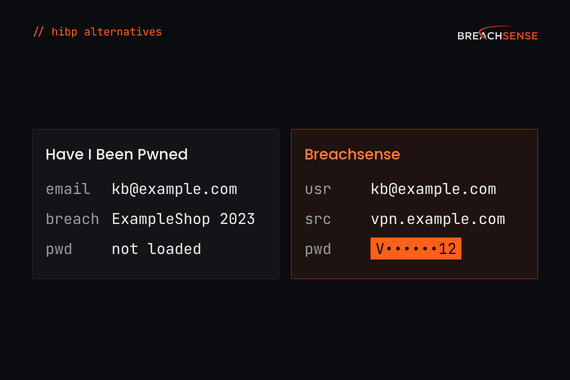
HIBP doesn’t show the leaked password, so a security team can’t tell whether an employee still uses that password.
Almost all of HIBP’s data comes from third-party breaches. HIBP adds stealer logs only occasionally. Attackers prefer stealer log passwords because they’re already in plaintext, so there’s nothing to crack. A breached company usually tells its users to change their passwords. Nobody sends that notice after a malware infection, so stealer log passwords tend to stay valid longer than breached passwords.
Last reviewed October 18, 2026. Facts about Have I Been Pwned come from haveibeenpwned.com, its API docs and Troy Hunt’s blog, and ratings from G2 and Gartner Peer Insights.
What Does Have I Been Pwned Do Well?
It’s trusted and free for individuals. HIBP says governments and law enforcement agencies worldwide cite and recommend it.
It covers more than 1,000 breaches. Together, those breaches contain over 17.8 billion email addresses.
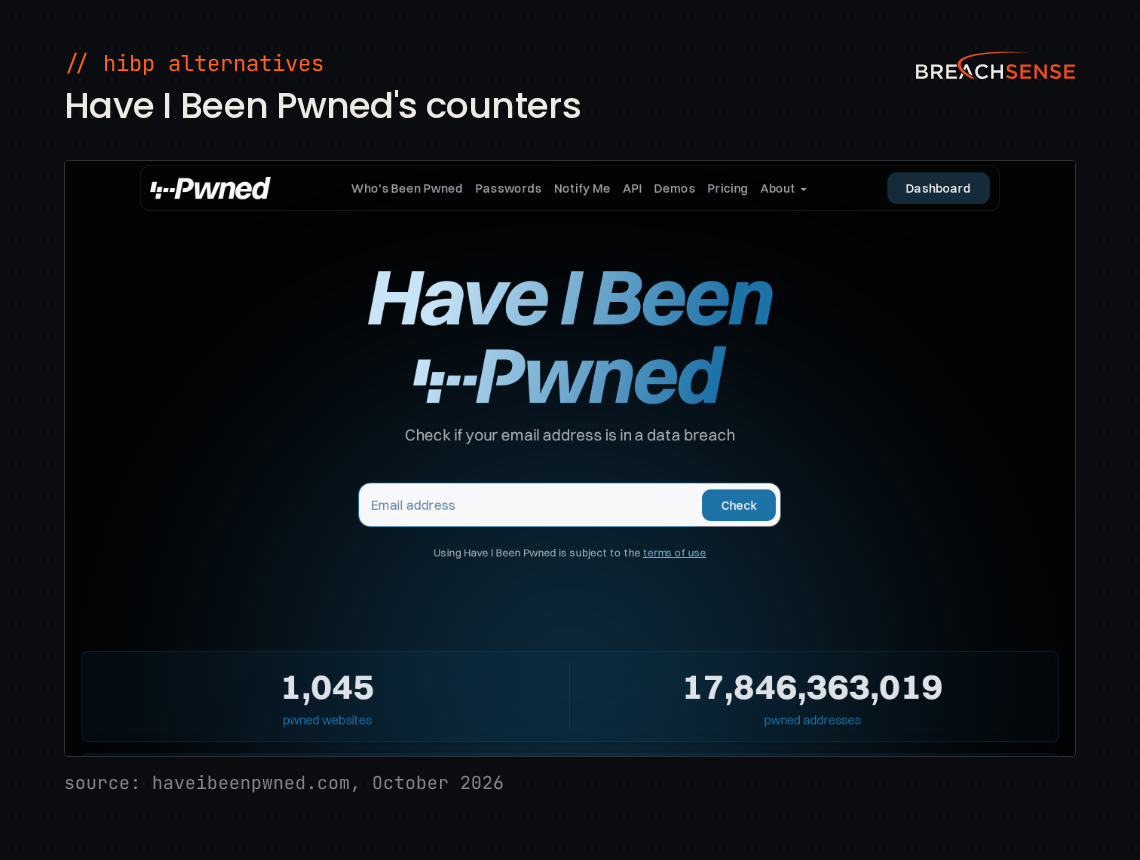
Domain search and notifications. Verified domain owners can search their domain and subscribe to notifications when their addresses appear in newly loaded breaches. HIBP now lets managed service providers (MSPs) monitor their customers’ domains too. Troy Hunt says more than half the Fortune 500 monitor their domains with HIBP.
A password-checking API. Pwned Passwords lets you check a password against breach data without sending it to HIBP.
Why Do Businesses Look for a Have I Been Pwned Alternative?
Teams look for a Have I Been Pwned alternative when they need the leaked password itself, stealer log credentials or alerts sent to their security tools.
You Need the Plaintext Password, Not the Breach Name
HIBP tells you that an address appeared in a given breach. When HIBP loads a breach, it stores the email addresses without their passwords. Verizon’s 2026 Data Breach Investigations Report (p.70) found users are over four times as likely to use an already compromised password as a “weak” one. Without seeing the leaked password, you can’t tell whether your employee still uses it. HIBP’s answer is Pwned Passwords, which tells you whether a password you already know appears in breach data. Pwned Passwords stores password hashes with no email addresses. A match doesn’t show whether the password leaked from your employee’s account or a stranger’s.
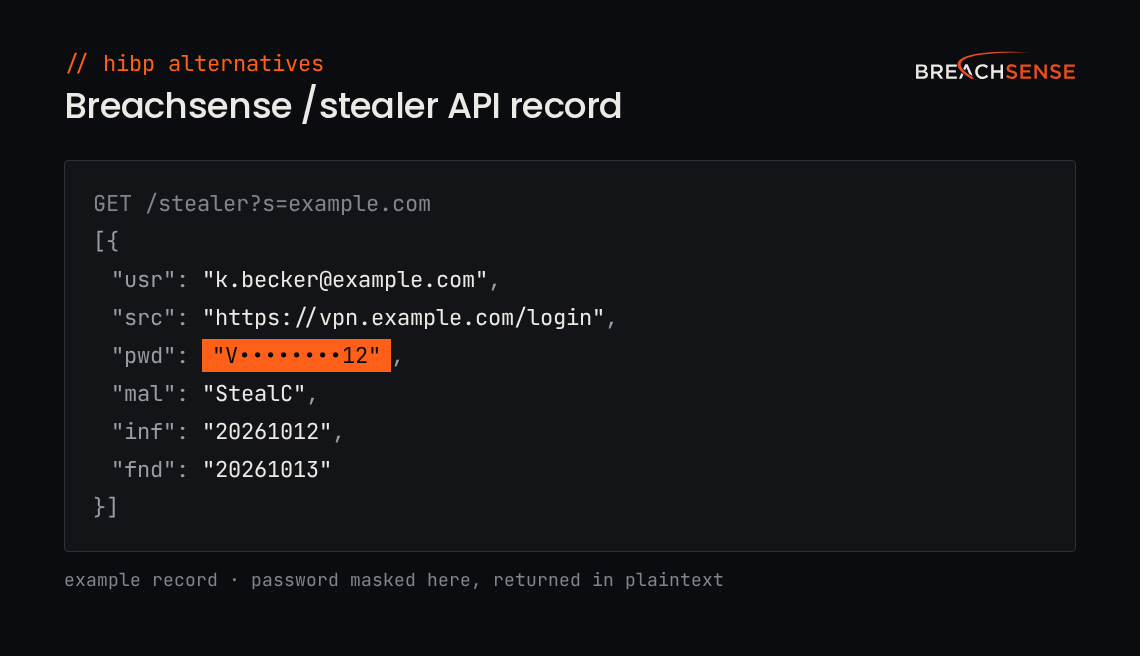
Our alerts include the email address and the password that leaked with it. When the leaked password is hashed, we crack it where we can.
HIBP’s Stealer Log Data Stops at Website Names
HIBP has added stealer logs in occasional batches since August 2024. From each batch, HIBP keeps the email addresses and the websites each address was used on, but doesn’t store the passwords or session cookies with them. To see those websites for your employees, you need a verified domain and a Pro subscription.
Our stealer log alerts include the password. The alerts also include the malware family and infected device details when the log records them. We send alerts from new stealer logs within hours.
You Need Alerts That Reach Your Security Tools
HIBP emails you when it loads a breach that includes addresses on your domain. To open a ticket automatically, your SIEM (the tool that collects your security alerts) needs a webhook from HIBP. Webhooks come only with HIBP’s Enterprise plan. HIBP’s API docs warn of “significant lead time” between a breach and the stolen data appearing in HIBP. An AI agent can look up HIBP data through HIBP’s MCP server, which doesn’t send alerts.
We send every alert to your SIEM or ticketing system by webhook. Your tools can also pull alerts from our API.
How Does Breachsense Compare to Have I Been Pwned?
Breachsense is built for security teams monitoring a workforce.
| Capability | Have I Been Pwned | Breachsense |
|---|---|---|
| Free check | Any email address, plus a search of verified domains with no more than 10 email addresses in breaches | Your company domain |
| Plaintext cracked passwords | No | Yes |
| Continuous monitoring and alerts | Email alerts for your own address or verified domains | Yes, webhook and email |
| Session token detection | No | Yes |
| Stealer log coverage | Websites only, from occasional batches | Credentials, plus malware and device details when the log records them |
| Full-text search across leaked files | No | Yes |
| Exposed database monitoring | Only once an exposed database is loaded as a breach | Yes |
| Criminal forum monitoring | No | Yes |
| API for integration | Breach, domain, paste and stealer log searches; webhooks only on Enterprise | Full REST API and webhooks |
| Domains you can search | Only domains you prove you control | Any domain, through the API |
For a quick look at your own exposure, you can run a dark web scan on your corporate domain.
Who Should Choose Have I Been Pwned, and Who Should Choose Breachsense?
Have I Been Pwned is the better choice for these people.
You’re checking your own email. HIBP’s email search is free and shows which breaches your address appeared in.
You screen passwords at sign-up. Your app can check each new password against Pwned Passwords for free.
You want email alerts for a domain you own. HIBP emails you for free when a new breach includes addresses on your verified domain.
You need it free or close to it. HIBP is free for individuals, and its paid plans cost far less than Breachsense. Breachsense is priced for security teams and service providers.
Breachsense is the better fit for these teams.
You need the password itself. Our alerts include it in plaintext when the source has it or we can crack the password hash.
You monitor an entire workforce. Adding your company domains to your watchlist covers every employee email address under them. We collect leaked credentials from stealer logs, combo lists, phishing kits and third-party breaches. We send a webhook or email alert when we find a credential that matches one of your domains.
You need more than passwords. We also send alerts for leaked session tokens and API keys. If your company shows up in a hacker forum or underground marketplace post, we send an alert. You can search files from ransomware leaks, third-party breaches and unsecured databases for your company name or any other term.
What Other Have I Been Pwned Alternatives Exist?
SpyCloud and Flare monitor a workforce’s leaked credentials, much like our compromised credential monitoring. Enzoic screens passwords when users set them. DeHashed is a search engine for investigators.
SpyCloud
SpyCloud collects leaked credentials from breaches and stealer logs to stop account takeover. SpyCloud says its customers range from Fortune 100 companies to small and midsize businesses. See SpyCloud alternatives.
SpyCloud says it holds 65.7 billion distinct identity records.
Key features
- Workforce Threat Protection. Shows stolen session cookies and credentials linked to your employees and contractors, from malware, phishing kits, combo lists and breaches.
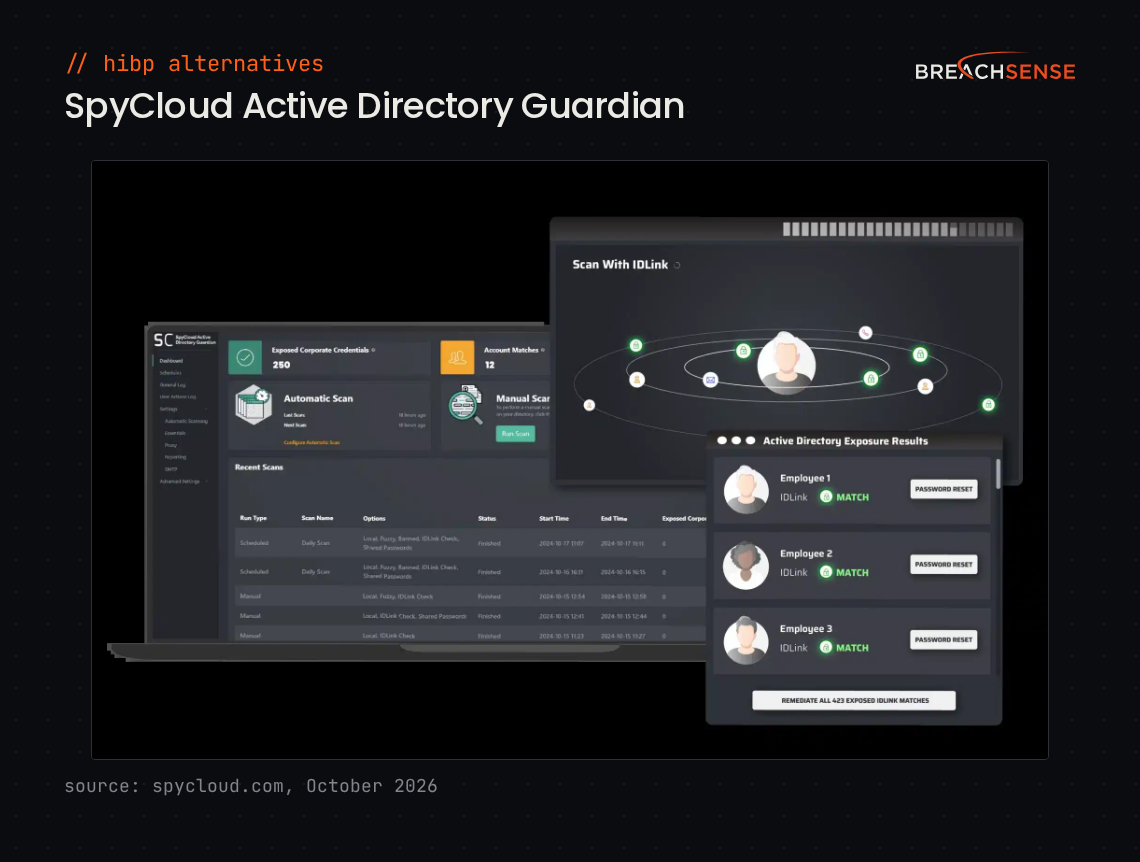
- Identity Guardians. Resets leaked passwords and terminates stolen sessions automatically in Active Directory, Entra ID and Okta.
- IDLink. Finds credentials tied to an employee’s other email addresses and usernames, including personal ones.
- SpyCloud APIs. Let your SIEM or identity provider pull SpyCloud’s data.
Rating: 4.7/5 on G2
Pros
- Active Directory Guardian checks your directory’s passwords against leaked data with little upkeep.
- Reports new breach data quickly, sometimes before the breach makes the news.
- The executive report makes it easy to show management what SpyCloud found.
Cons
- Smaller organizations that already use MFA may find the price hard to justify.
- Rolling out several SpyCloud modules at once is hard.
- Breach records don’t always include every detail.
Flare
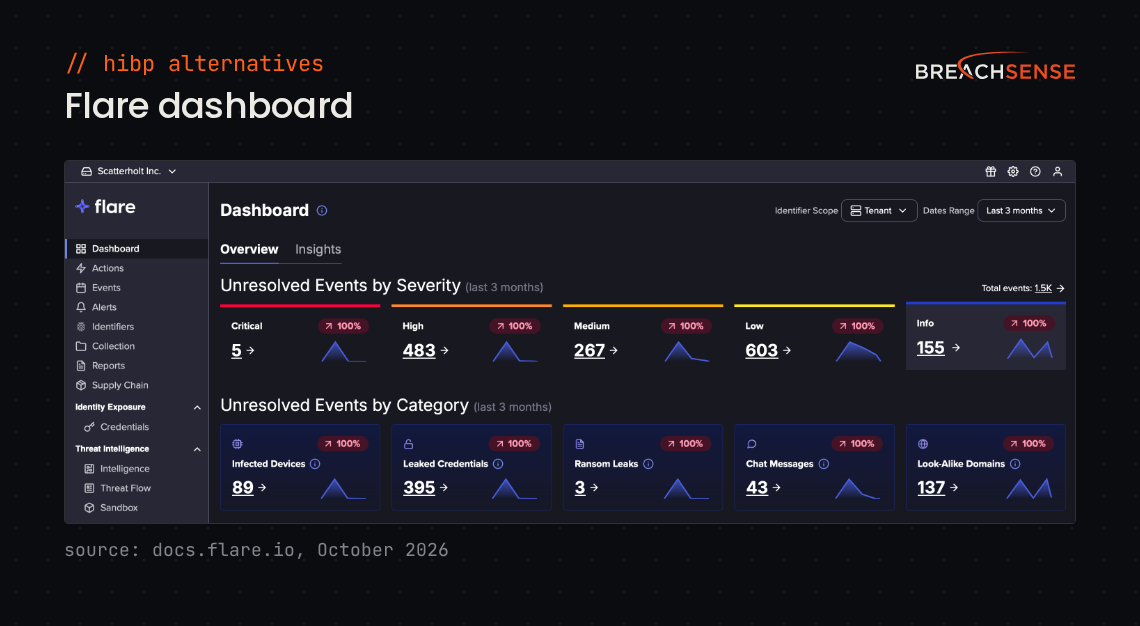
Flare monitors the dark web, Telegram and stealer logs for leaked credentials. It suits Entra ID teams that want to know whether a leaked password still works before they reset it. See Flare alternatives.
Flare says it has collected 159 million stealer logs.
Key features
- Identity Exposure Management. Tests leaked passwords against Microsoft Entra ID, or against Okta if you ask Flare to turn on the Okta integration. Flare can then revoke the employee’s sessions.
- Credentials Browser. Lets you search leaked credentials by domain, email address, username or password.
- Phishing kit monitoring. Monitors the Telegram groups where phishing kit operators collect stolen credentials.
- Alert Central. Sends alerts by email, Slack, Microsoft Teams or webhook.
Rating: 4.7/5 on Gartner Peer Insights
Pros
- Easy to set up. Analysts don’t need deep technical knowledge to investigate what Flare finds.
- Almost everything you can do in the web console, you can also do through the API.
- Support is responsive and open to feature requests.
Cons
- Integrations with other security tools could be more flexible.
- Monitoring more identifiers costs extra. So do some new features.
- A stealer log you’ve already handled can come back as a new event when another source reposts it.
Enzoic
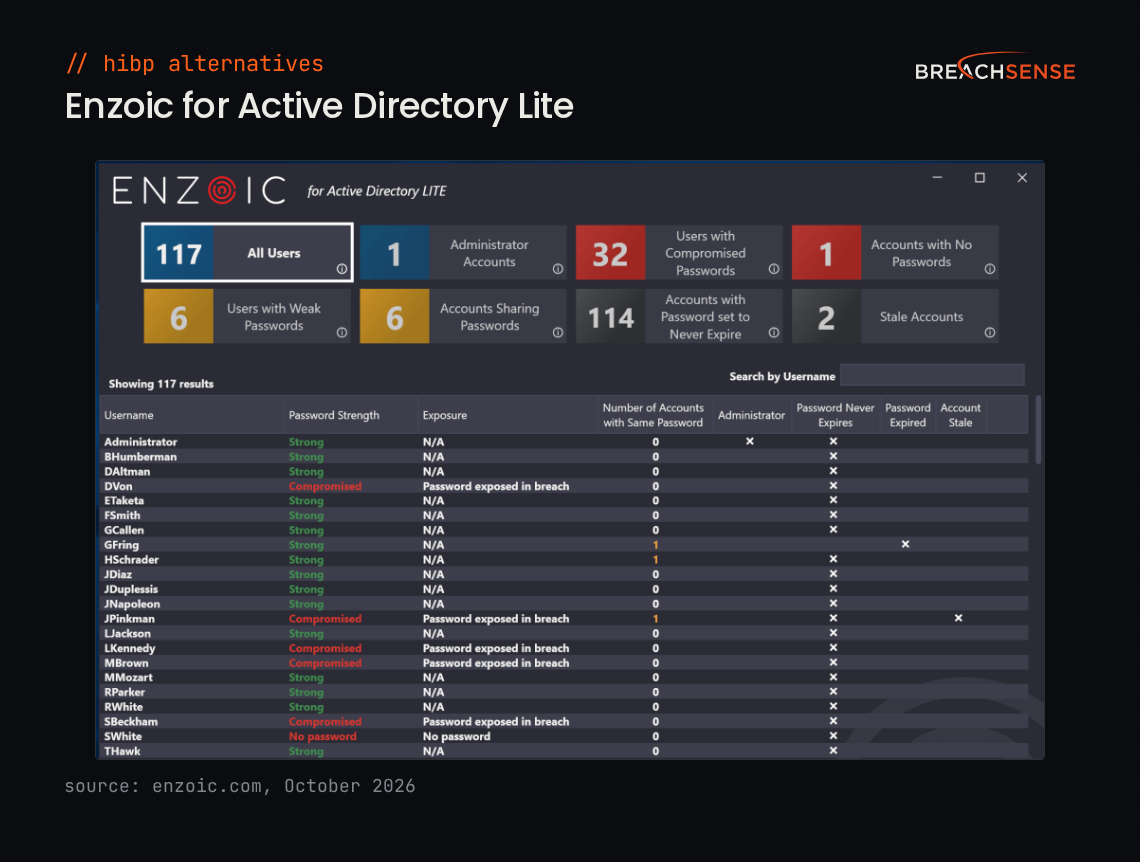
Enzoic checks passwords against breach data when users sign up, sign in or change a password, so IT teams can block compromised ones.
Enzoic says it recovers 1,112 breached credentials per second.
Key features
- Enzoic for Active Directory. Screens passwords when they’re created and checks them again every day. On a match, it can force a password reset or disable the account.
- Password Breach Monitoring. Sends an alert when a monitored domain, username or email address turns up in breach data.
- Passwords API. Checks whether a password has been compromised before a user can set it.
- Credentials API. Checks whether a username and password pair appears in breach data.
Rating: Not enough reviews
Pros and cons: Too few reviews to summarize.
DeHashed
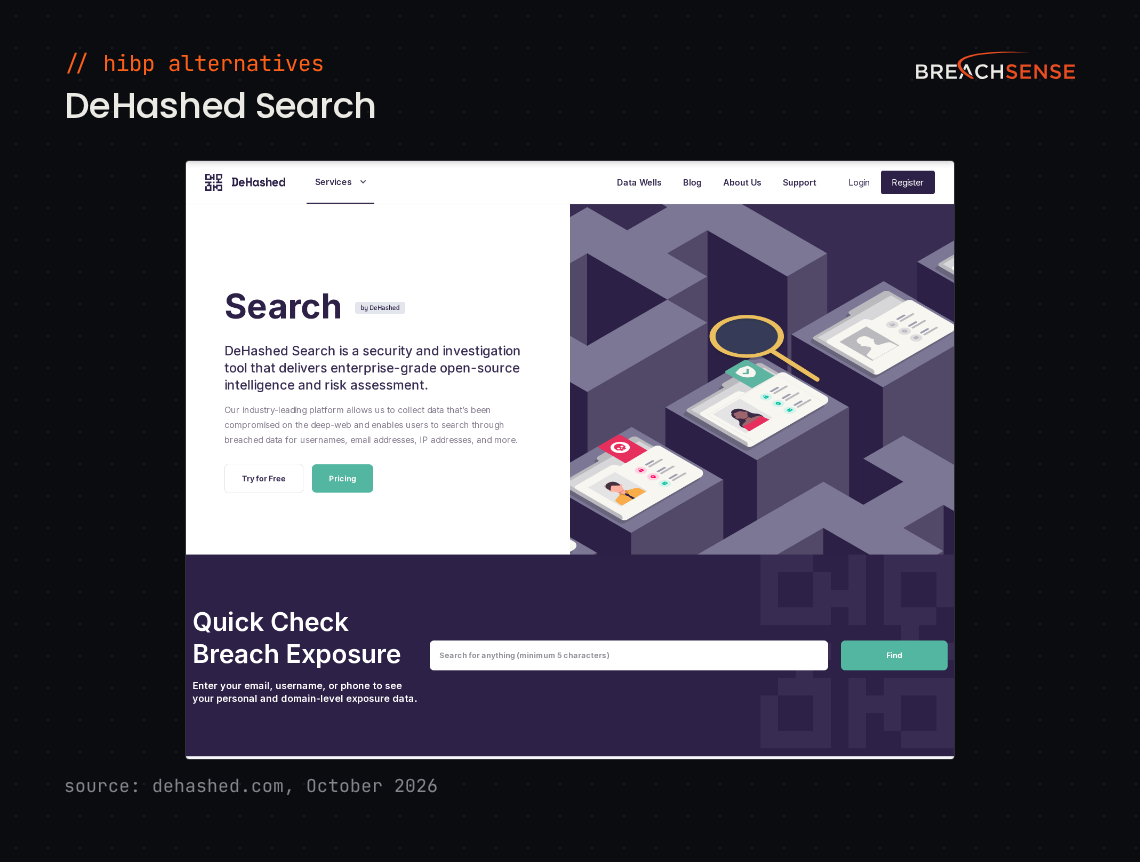
DeHashed is a search engine investigators use to look up leaked records. It also sends alerts by email, SMS or webhook. See DeHashed alternatives.
DeHashed’s homepage lists more than 13.3 billion records.
Key features
- Search. Finds leaked records by email address, username, IP address, phone number and other fields.
- Monitoring. Monitors email addresses, phone numbers, usernames and domains for new breaches.
- Protect High-Risk Players. Monitors breach data for the personal details of your executives and investors.
- Search API. Lets your own apps query DeHashed’s data, with a Search subscription.
Rating: Not enough reviews
Pros and cons: Too few reviews to summarize.
How Should You Choose a Have I Been Pwned Alternative?
Start with your domain or a client’s. In each vendor’s demo, search for that domain and check what a match includes.
Are You Protecting Individuals or a Workforce?
Check whether adding your domain covers every employee under it, or whether the price goes up with each email address you monitor.
Do You Need the Password or Just the Breach Name?
Ask each vendor whether its alerts include the leaked password itself.
Does It Fit Your Workflow?
Ask whether the vendor sends alerts by webhook, or only lets your tools pull data from its API.
Do You Monitor Domains for Clients or Vendors?
HIBP lets you search only domains you’ve verified. A Pro plan can automate verification through the API. Even then, someone who controls the domain has to add a DNS record or click a link emailed to an address such as security@. Our API lets you query any domain without verifying it, including a vendor’s. With our dark web monitoring for MSPs, you add a client’s domain to your watchlist with one API call.
Is Breachsense the Right Have I Been Pwned Alternative for You?
Breachsense is the right alternative if you need the leaked password itself and alerts sent to your security tools.
Key takeaways:
- Breachsense costs significantly more than HIBP. It’s built for teams that monitor a whole workforce or many client domains.
- HIBP is free for checking your own email. It doesn’t show the leaked password.
- Breachsense alerts include the leaked password, by webhook or email.
- SpyCloud resets leaked passwords automatically. Flare tests leaked passwords against Entra ID or Okta.
- Enzoic blocks compromised passwords at sign-up. DeHashed suits investigators.
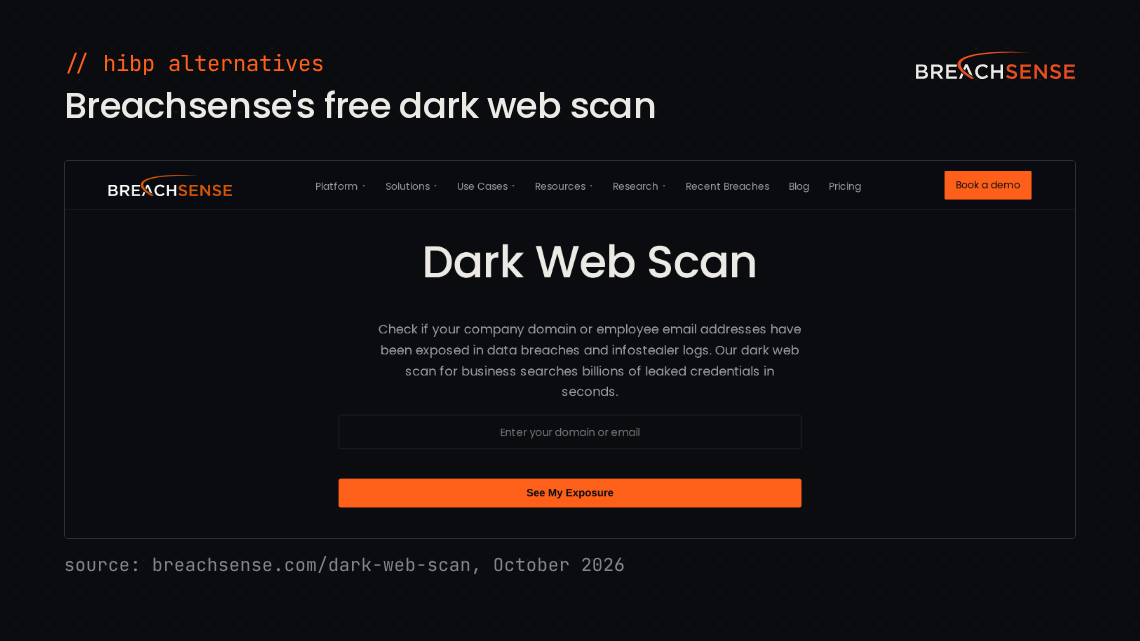
Run a dark web scan to see which of your company’s credentials have leaked, or book a demo to see a live alert.