DeHashed Alternatives & Competitors (2026)
Quick Summary
The best DeHashed alternatives are Breachsense, Have I Been Pwned, SpyCloud, Intelligence X and SOCRadar.
| Tool | Best for | Rating |
|---|---|---|
| Breachsense | Credentials from stealer logs, combo lists, phishing kits and third-party breaches, plus search inside leaked files | 4.8/5 (G2) |
| Have I Been Pwned | Free one-off breach checks on an email address, plus alerts for verified domains | Not enough reviews |
| SpyCloud | Resetting leaked passwords automatically in Active Directory, Entra ID or Okta | 4.7/5 (G2) |
| Intelligence X | Looking up archived leaks and old copies of web pages by email address, domain or IP address | Not enough reviews |
| SOCRadar | Dark web monitoring as one of five threat intelligence modules | 4.7/5 (G2) |
DeHashed Is a Search Engine for Leaked Records
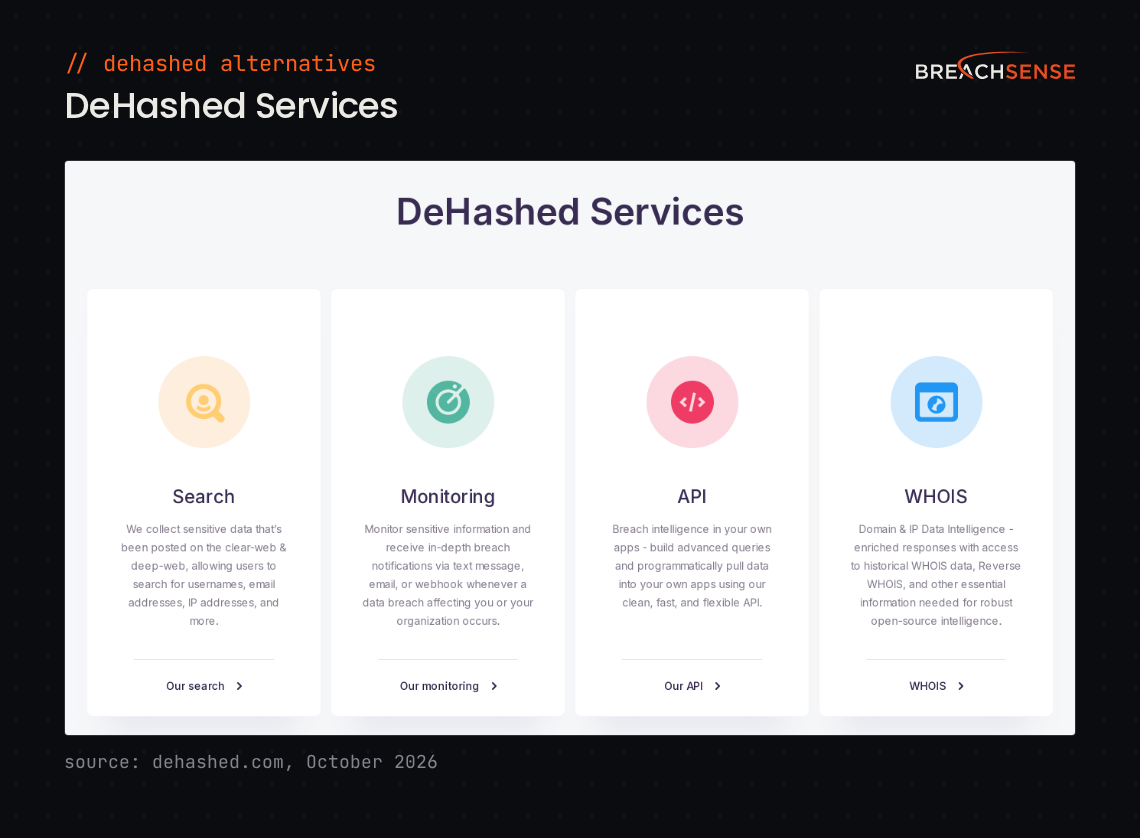
DeHashed lets you search leaked records by email address, username, phone number and other fields.
DeHashed is good for investigations and one-off checks. Most of DeHashed’s data comes from third-party breaches and combo lists, which Breachsense indexes too. We also monitor the places where new leaks appear, such as stealer log channels, hacker forums and ransomware leak sites. Teams outgrow DeHashed when they need fresh leaks from those sources in their own tools.
Last reviewed October 18, 2026. Facts about DeHashed come from dehashed.com, and ratings from G2.
What Does DeHashed Do Well?
DeHashed earns its reputation on fast, flexible search. It aggregates breach data into a single searchable index. From one record, you can pivot to a person’s other accounts and aliases, which is why investigators rely on DeHashed.
DeHashed says its index contains more than 26 billion pieces of data.
- Regex and wildcard search across breach records
- Monitoring with notifications by SMS, email or webhook
- An API your own apps can query
- WHOIS and domain intelligence, including historical and reverse WHOIS
DeHashed is self-serve, so you can open an account online and search without a sales call. For researchers, OSINT (open-source intelligence) investigators and penetration testers who need to check something now, that immediacy is the core value.
Why Do Teams Look for DeHashed Alternatives?
Teams look for a DeHashed alternative when they need alerts from newer leaks than DeHashed has indexed, or data beyond leaked passwords.
You’ve Outgrown Manual Lookups
Searching by hand works for an investigation. If you check the same domains every week, you want continuous monitoring instead.
One commenter in a June 2026 Reddit r/cybersecurity thread said the right tool depends on whether you monitor the same domains. For searches on new targets each week, that commenter called DeHashed a stable choice.
DeHashed’s monitoring covers domains, email addresses, usernames, phone numbers and names, with alerts by webhook, email or SMS. DeHashed doesn’t let you monitor other terms, such as a project name.
You Need More Than Credential Data
DeHashed indexes credentials from breaches, combo lists and stealer logs. But plenty of your exposure never shows up as a leaked password. Common examples include a contract in a ransomware leak, a session token that lets an attacker skip MFA (multi-factor authentication), an API key, or a forum post selling access to your network.
Breachsense covers all four. We index the text inside leaked files, so you can search them for your company name. We send alerts for leaked session tokens and API keys. We also monitor hacker forums.
DeHashed’s Data Can Lag Behind New Leaks
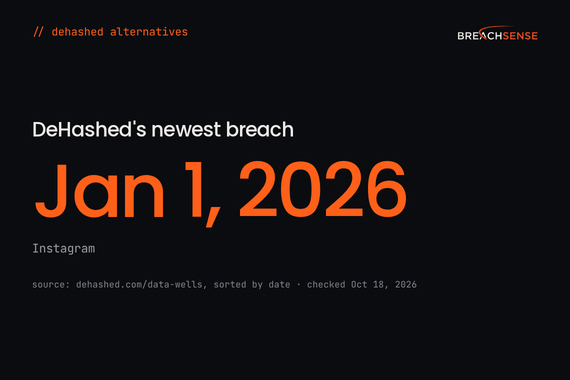
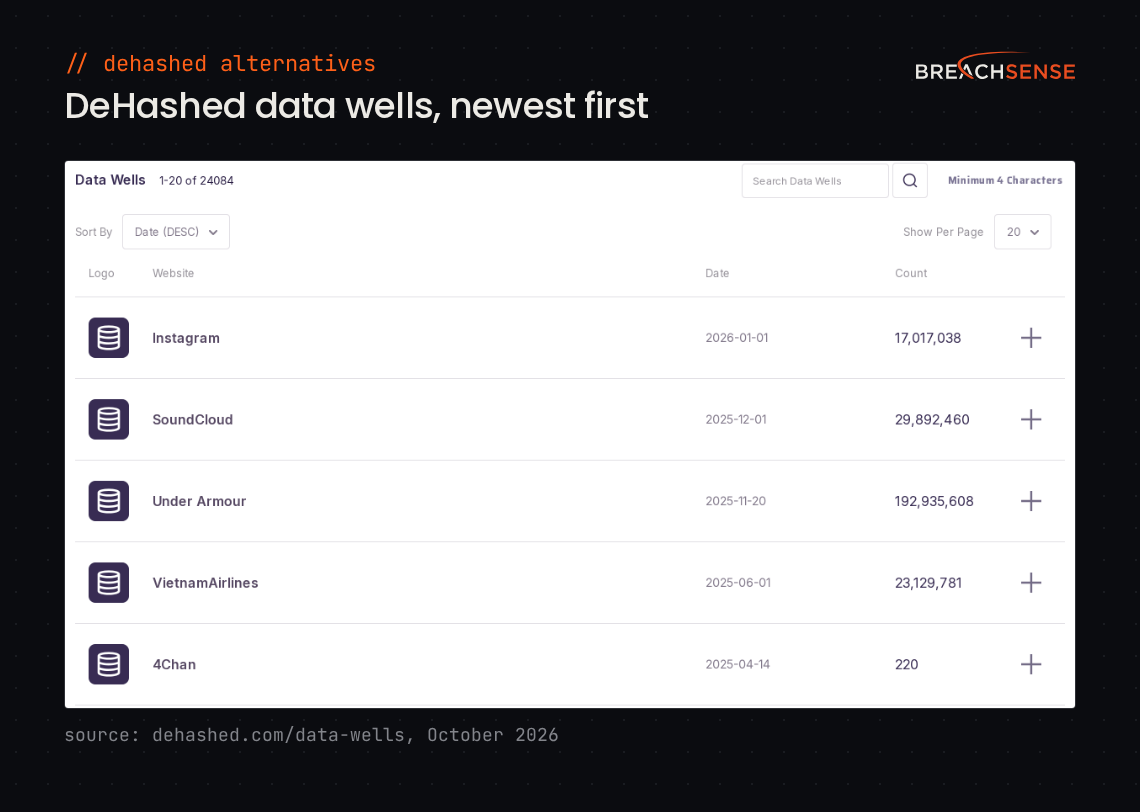
DeHashed’s list of sources, which it calls data wells, has one breach dated 2026, from January. Have I Been Pwned (HIBP) lists 90 breaches dated 2026, as of October 18. After DeHashed re-indexed its data in 2025, a pen tester on r/Pentesting saw far fewer results for a client they’d searched before. A banner on dehashed.com says records are being “gradually indexed” for version 4.0. DeHashed also says it’s “constantly obtaining new and private datasets”.
Verizon’s 2026 Data Breach Investigations Report (p.45) looked at credential leaks at ransomware victims. Small organizations in that data had a median of seven credential leak events in a year. Larger organizations had around 20. If a vendor rarely adds new data, its alerts will miss many of those leaks.
How Does Breachsense Compare to DeHashed?
Both let you search and pivot across credential data. DeHashed is the self-serve option for one-off lookups. Breachsense covers more kinds of sources, such as ransomware leak sites. It also recovers plaintext passwords where possible.
| Capability | DeHashed | Breachsense |
|---|---|---|
| Credential search and pivot | Yes | Yes |
| Self-serve sign-up | Yes | No; trials are available after a demo call |
| Stealer log coverage | Stealer log dumps such as ALIEN TXTBASE | Yes, new logs within hours |
| Plaintext password recovery (cracks hashes where possible) | No. Many results show only a password hash | Yes |
| Full-text search of leaked files | No. Search covers record fields such as email address and domain | Yes |
| Leaked session token detection | No. You can’t search for session tokens | Yes |
| Machine credential (API key, OAuth) detection | No. You can’t search for API keys or OAuth tokens | Yes |
| Hacker forum monitoring | You can’t search forum posts | Yes |
| Shadow IT visibility | Subdomain search in its WHOIS tool | Yes |
| Lookalike domain detection | Not among its seven WHOIS tools | Yes |
| Continuous monitoring and alerting | Yes | Yes |
| API access | Yes | Yes |
| WHOIS history | Yes, 10 years, plus reverse WHOIS | No |
Who Should Choose DeHashed, and Who Should Choose Breachsense?
DeHashed is the better choice in these cases.
You run one-off searches and OSINT investigations. DeHashed lets you look up a name, phone number or username the same day you sign up.
You want WHOIS history in the same tool. DeHashed shows who owned a domain over the past 10 years, next to your breach searches.
You want a low-cost tool. DeHashed sells self-serve plans. Breachsense costs significantly more. It’s priced for security teams and service providers that monitor company domains continuously.
Breachsense is the better fit in these cases.
You need to find your data in leaked files. Breachsense lets you run full-text queries across files leaked in ransomware attacks, third-party breaches and unsecured databases. For third-party risk monitoring, you can search a supplier’s leaked files for your domain. We send an alert when a term you monitor shows up in a new file.
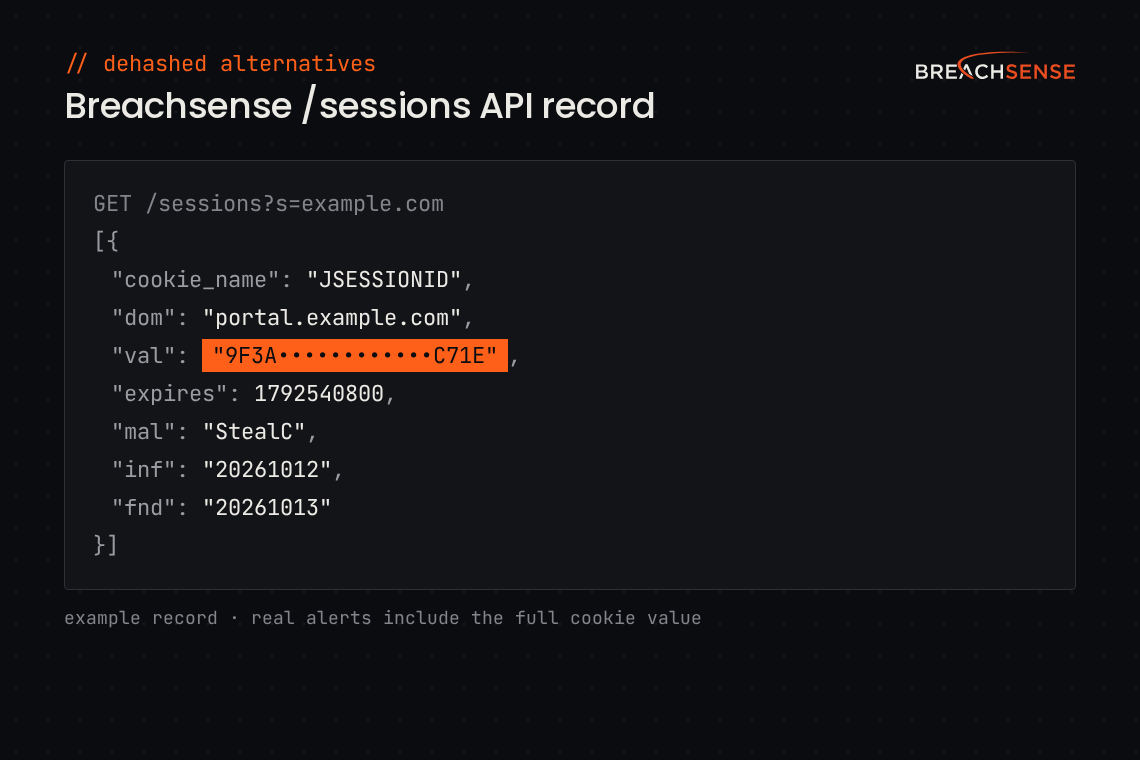
You need alerts for session tokens and API keys. We send an alert when a stealer log contains a session token from a cookie you’ve chosen to monitor. We also send alerts for API keys and OAuth tokens stolen from infected employee devices.
You need forum and shadow IT monitoring. Breachsense monitors hacker forums and underground marketplaces where access to your network gets sold. We map your subdomains to find shadow IT. We also flag lookalike domains set up to phish your employees or customers. DeHashed’s WHOIS tools include a subdomain search, but no lookalike domain detection.
What Other DeHashed Competitors and Alternatives Exist?
The main DeHashed alternatives besides Breachsense are Have I Been Pwned, SpyCloud, Intelligence X and SOCRadar. Our dark web credential monitoring tools roundup compares 10 options. If you’re also weighing Hudson Rock, see Hudson Rock alternatives.
Have I Been Pwned
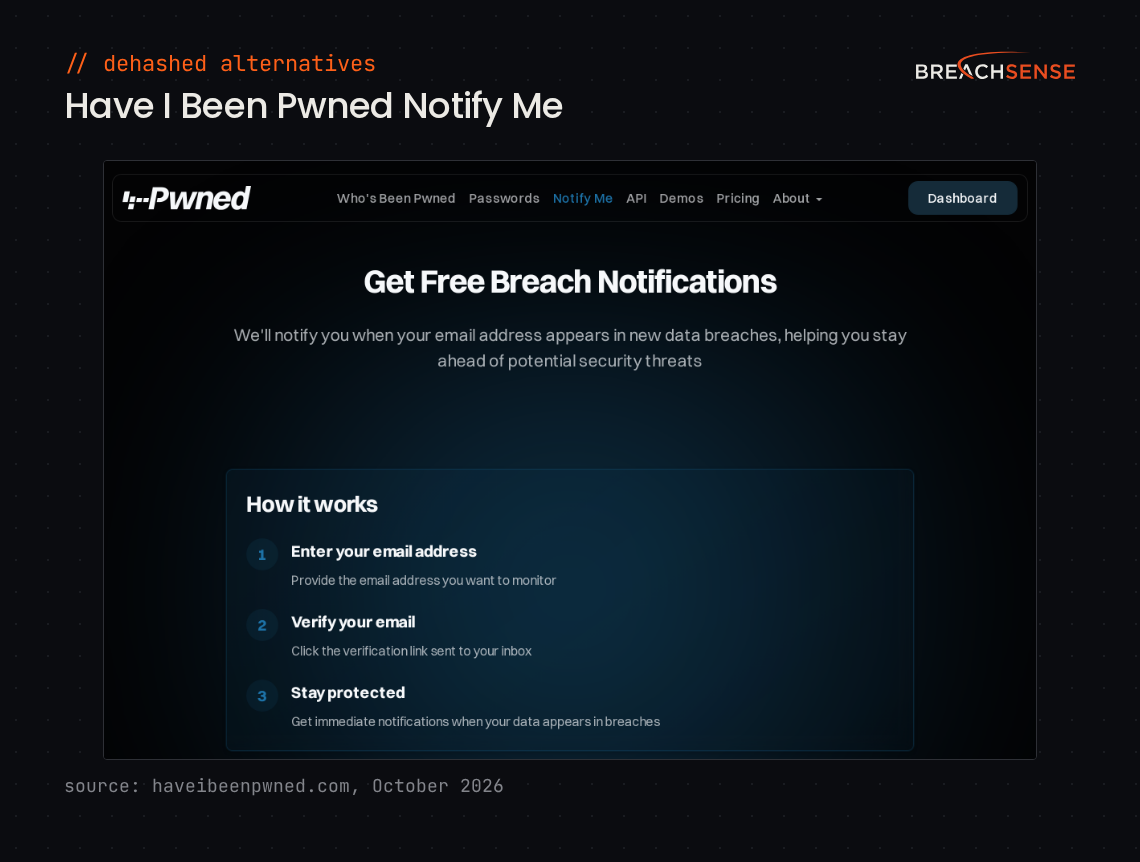
Have I Been Pwned offers free breach checks for individuals and a notification service when your email appears in a new breach. HIBP doesn’t show passwords or pivot between records. See Have I Been Pwned alternatives.
HIBP lists more than 17.8 billion breached accounts.
Key features
- Email search. Shows which breaches an email address appeared in, for free.
- Domain search. Lists the breached addresses on a domain you’ve proved you control.
- Notify Me. Emails you when your address shows up in a newly loaded breach.
- Pwned Passwords. Checks whether a password appears in breach data, without sending it to HIBP.
Rating: Not enough reviews
Pros and cons: Too few reviews to summarize.
SpyCloud
SpyCloud helps companies prevent account takeover by finding their users’ stolen credentials and session cookies. It serves security, identity and fraud teams, including small and midsize businesses. See SpyCloud alternatives.
SpyCloud says it recaptured 8.6 billion stolen session cookies from criminal sources in 2025.
Key features
- Identity Guardians. Resets exposed passwords and ends stolen sessions automatically in Active Directory, Entra ID and Okta.
- Session Identity Protection. Flags stolen session cookies so your team can revoke the affected user’s sessions before an attacker signs in.
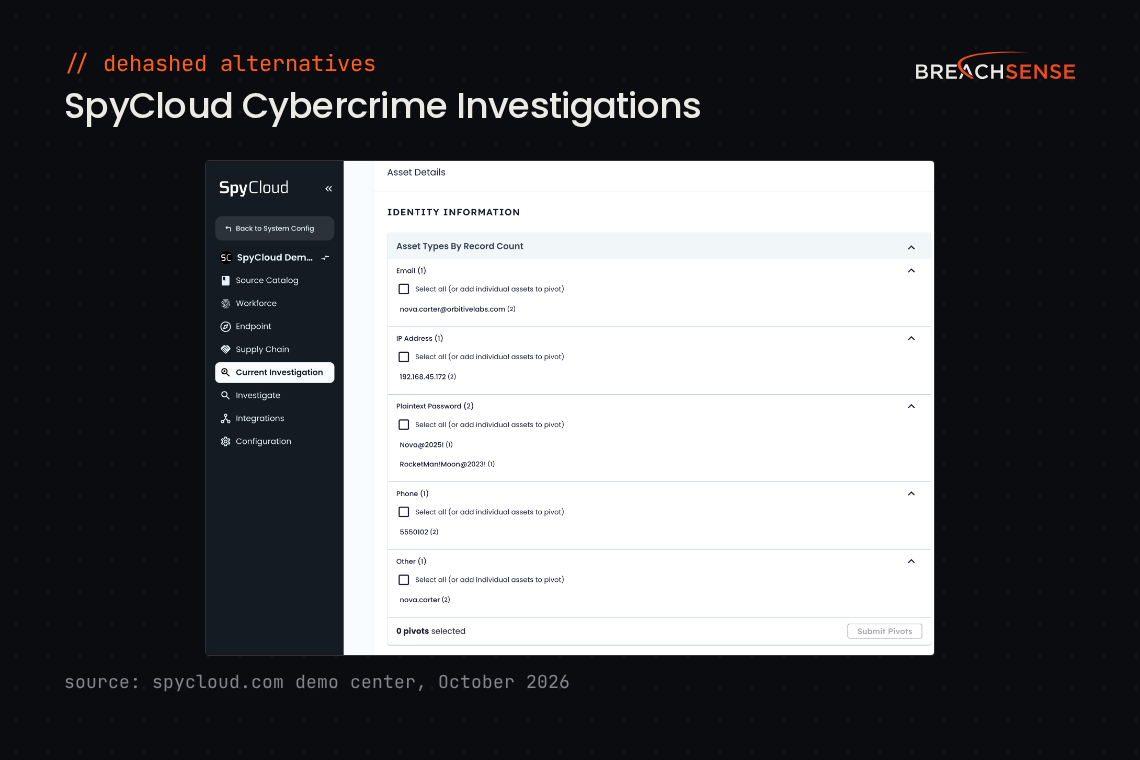
- Cybercrime Investigations. Starts from one identifier, such as an email address, then pivots to linked identities and infrastructure.
- IDLink. Ties an employee’s other email addresses and usernames, including personal ones, to their exposed credentials.
Rating: 4.7/5 on G2
Pros
- Connecting SpyCloud to Active Directory is straightforward.
- In one reviewer’s tests, SpyCloud found more leaks than competing products.
- The API documentation includes example code.
Cons
- SpyCloud’s API has no user management.
- Rolling out several SpyCloud modules at the same time is hard.
Intelligence X
Intelligence X is a search engine and data archive. It’s built for companies and government agencies, Intelligence X says.
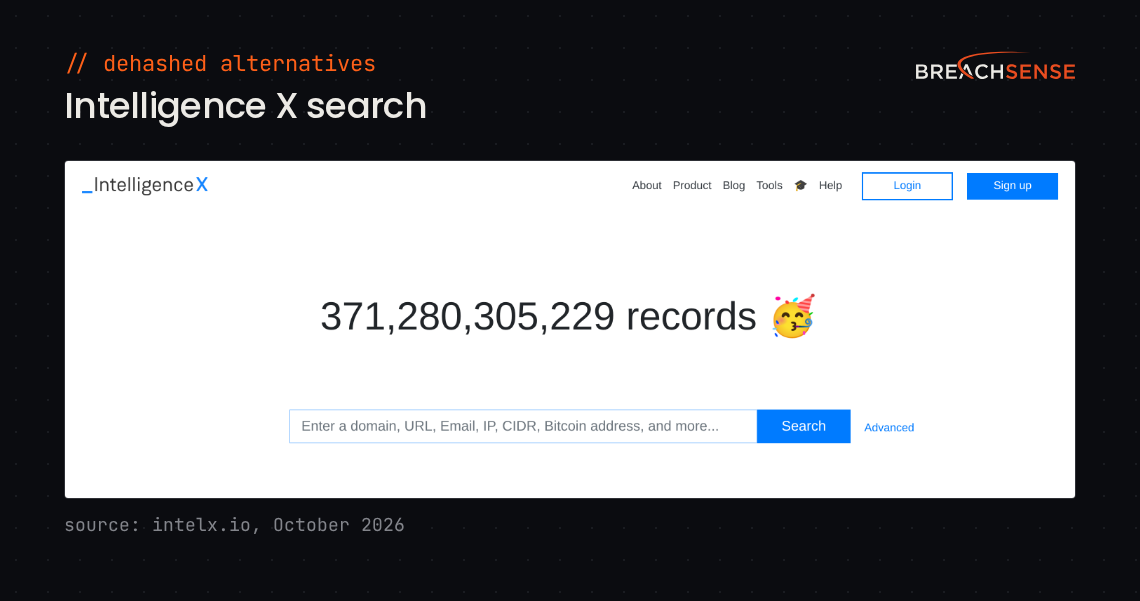
Intelligence X says its search covers more than 371 billion records.
Key features
- Search. Finds results by email address, domain, URL, IP address, phone number or Bitcoin address.
- Identity Portal. Lists the leaked accounts for a domain or email address. Shows the hash type of each leaked password.
- Historical archive. Keeps copies of leaked documents and old web pages, so you can open a result after the original goes offline.
- Search alerts. Emails you daily, weekly or monthly when a saved search has new results.
Rating: Not enough reviews
Pros and cons: Too few reviews to summarize.
SOCRadar
SOCRadar is a threat intelligence platform with five modules, including Advanced Dark Web Monitoring and Attack Surface Management. It also sells a dark web monitoring plan for businesses with fewer than 100 employees. See Breachsense vs SOCRadar.
SOCRadar says it monitors more than 6,000 dark web sources.
Key features
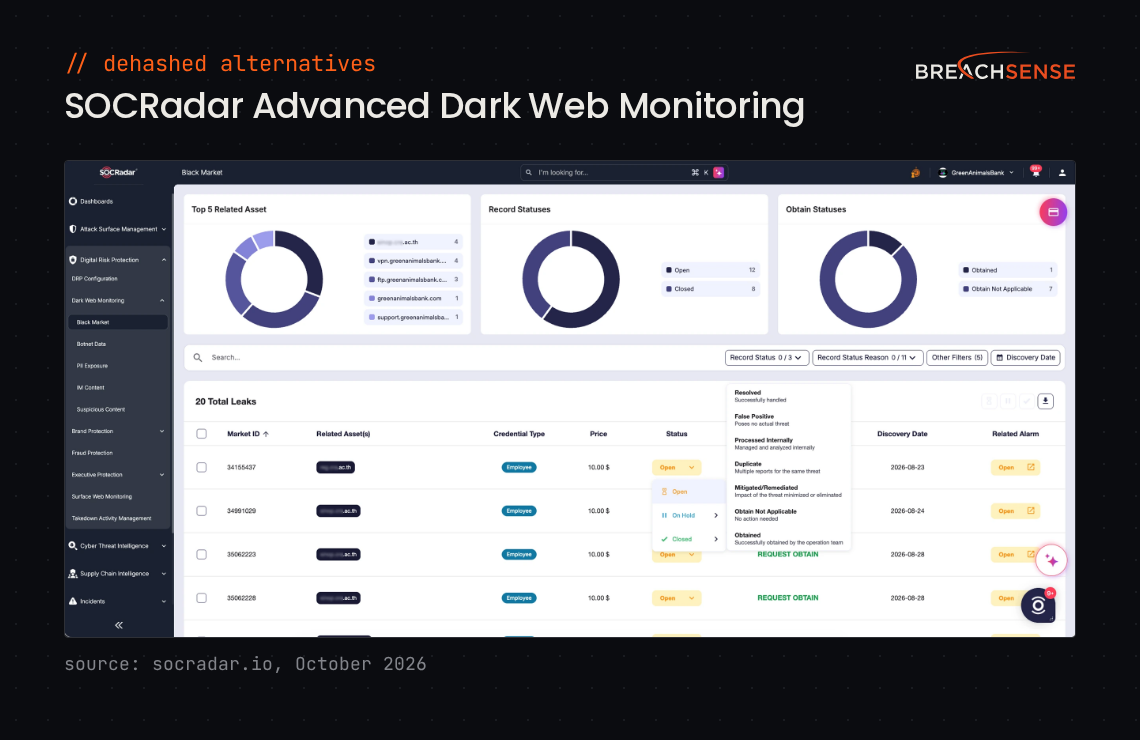
- Advanced Dark Web Monitoring. Finds leaked employee and customer credentials in dark web dumps, combo lists and stealer logs.
- Identity & Access Intelligence. Shows which infostealer took a credential, from which computer and IP address, and on which date.
- Session revocation. Matches leaked credentials to your Entra ID and Active Directory users and ends their sign-in sessions.
- Dark Web Search Engine. Lets you search dark web data for keywords, IP addresses, email addresses, domains, file hashes and URLs.
Rating: 4.7/5 on G2
Pros
- Setup only needs your main domain. SOCRadar finds that domain’s subdomains for you to approve.
- Support answers fast. One reviewer sometimes had a reply by the time they refreshed the page.
Cons
- SOCRadar sends a lot of false positives in some alert categories. You have to adjust the alert settings by hand to cut them down. Credentials SOCRadar already reported can also come back as new alerts.
- Your SOCRadar plan has a limited number of credits, so you sometimes have to pick which leaked credentials to retrieve.
How Should You Evaluate a DeHashed Alternative?
Test each dark web monitoring vendor on your domain or a client’s. Then compare how many matches each tool finds and how recent they are.
What Can You Search and Monitor?
DeHashed and every alternative on this page offer search and monitoring. If your team runs investigations, check which tool lets you pivot to related records, such as other accounts with the same username. If you need alerts, check what you can monitor in each tool, such as email addresses or session cookie names.
What Sources Do You Need Covered?
Breach records are one source. Stealer logs, unsecured databases, passwords typed into phishing pages and files leaked in ransomware attacks are other sources. Check whether each tool lets you search the text of leaked contracts and spreadsheets.
What’s in Each Alert?
Ask each vendor whether an alert includes the plaintext password, where it leaked and when. With the plaintext password, you can check whether the employee still uses it. If the alert says the password came from a stealer log, the employee’s device was infected. Clean the device and end the employee’s signed-in sessions, because the malware also steals session cookies.
How Current Is the Data?
Ask when each vendor last added a breach to its data. Then ask how long the vendor takes to send an alert after a new stealer log shows up. We send alerts from new stealer logs within hours.
Should You Switch From DeHashed to Breachsense?
Switch to Breachsense if you need alerts for leaked session tokens, or for your credentials in new stealer logs. DeHashed is a good fit for teams that want self-serve breach search and pivoting.
Key takeaways:
- Breachsense costs significantly more than DeHashed. It’s built for teams that need continuous alerts on company domains, not one-off lookups.
- DeHashed is excellent for ad-hoc breach search, pivoting and OSINT investigations, with monitoring alongside it.
- Like DeHashed, Breachsense indexes third-party breaches and combo lists. We also crack password hashes where we can. Many DeHashed results show only a password hash.
- Pick Have I Been Pwned for a free check on one email address, or SpyCloud for automatic password resets. Intelligence X is a good fit for opening archived copies of leaked documents. SOCRadar suits teams that want dark web monitoring as one module of a threat intelligence platform.
Check your dark web exposure to find leaked credentials tied to your domain, or book a demo to see full-text search across leaked files.